Set up your Own 1
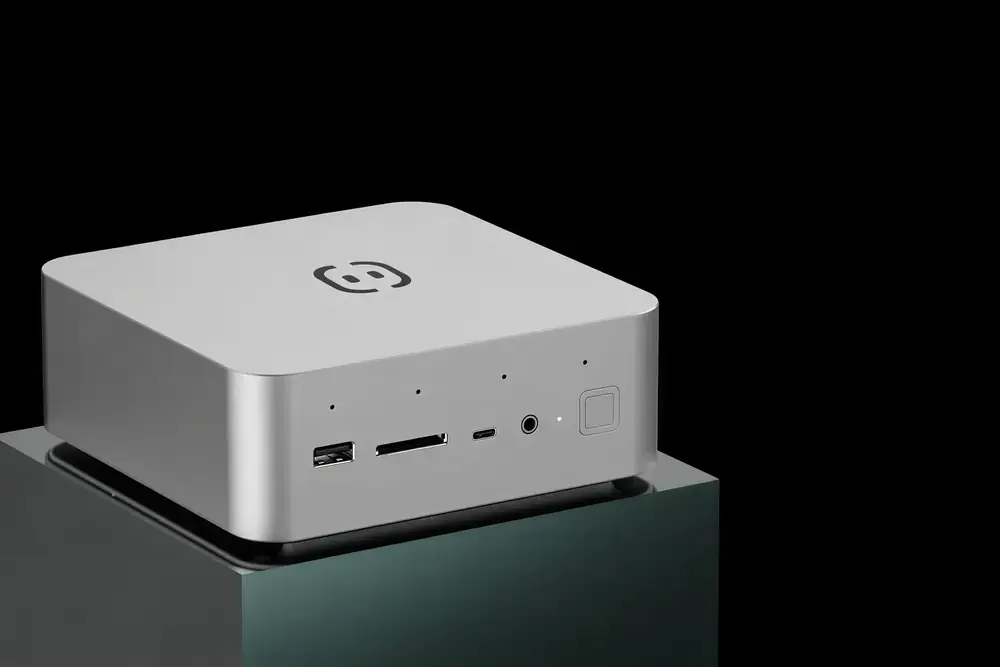
You'll need
- Your Own 1, its power cable and an Ethernet cable
- A router with a free port (Wi-Fi works too)
- Your phone, with your wallet app
- About 20 minutes
Step by step
- Place it Somewhere with air around it. It's fanless and silent, so a shelf or desk is fine.
- Plug in Ethernet and power A cable to your router is faster and steadier than Wi-Fi, and steady boxes mint more.
- Turn it on Press the button on the front. The first start takes a few minutes.
- Set up OwnXOS Connect a screen, or scan the code on the box with your phone to set it up from there. Pick your language, create your account and set a passcode.
- Let it update OwnXOS checks for the latest version and installs it. Each update is a full version you can go back to.
- Open OwnNodes It's already installed. It shows a pairing code.
- Pair with your wallet In the OpenX app, open Share compute → Own 1 → Pair device, type the code and sign. Now the box earns for your wallet.
- Switch on sharing In OwnNodes, turn on Share compute, and pick your hours and bandwidth. Full guide
Tip. Use Nexy on the Own 1 for private AI at home at the same time. Sharing uses spare capacity in the hours you choose.